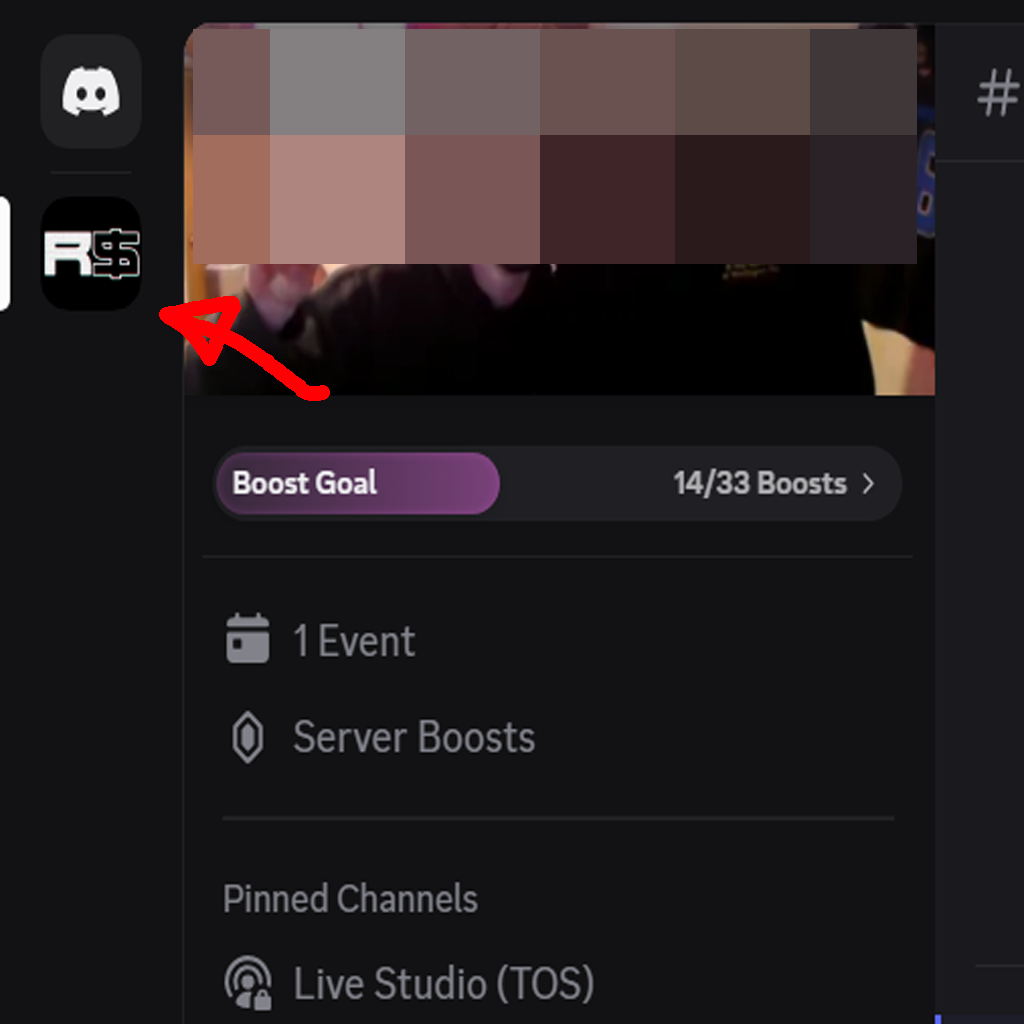
Step 1: Go into our Discord server.
Member Guide
This page walks you through inviting a friend to join Rebound Society Collective via Discord.
Gateway Server
Join Our Gateway DiscordStep 1: Go into our Discord server.
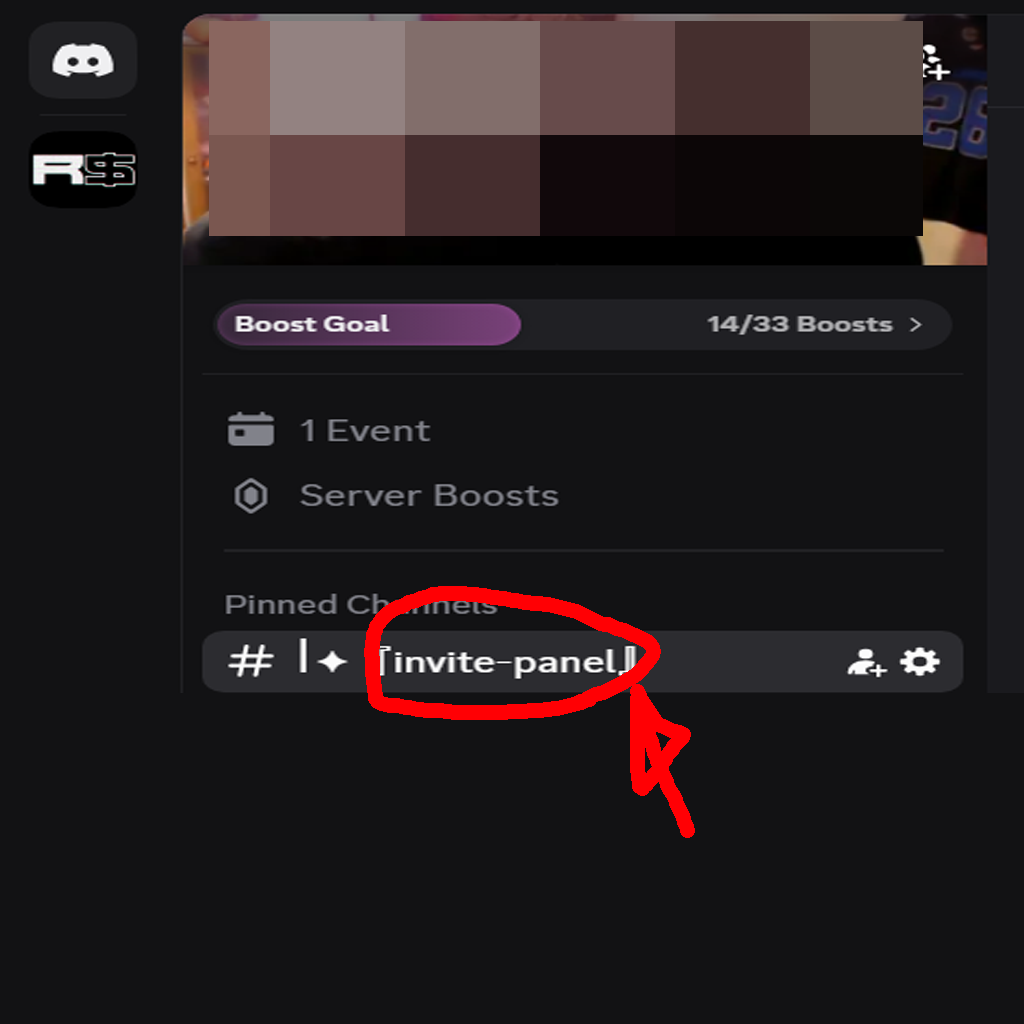
Step 2: Go to the Invite Panel channel at the top of the server.
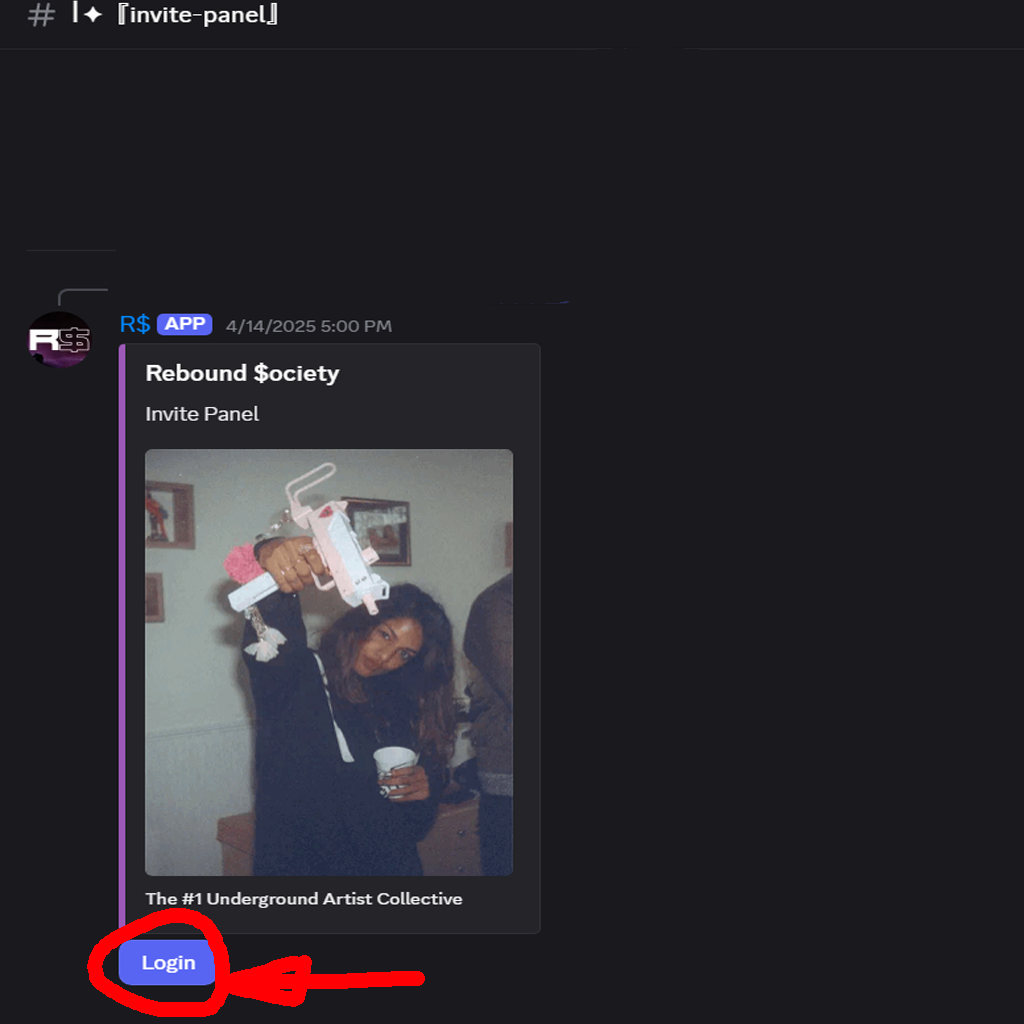
Step 3: Click Log In.
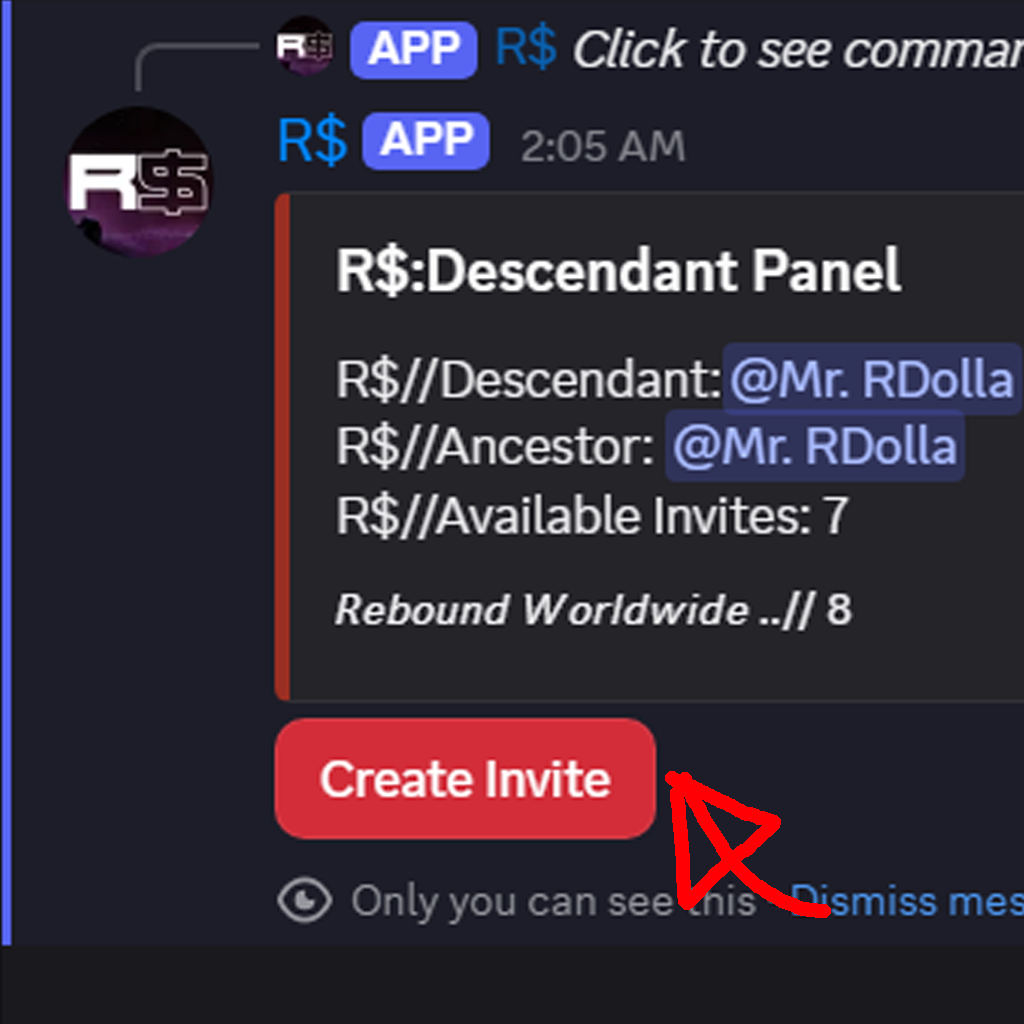
Step 4: Click Create Invite.
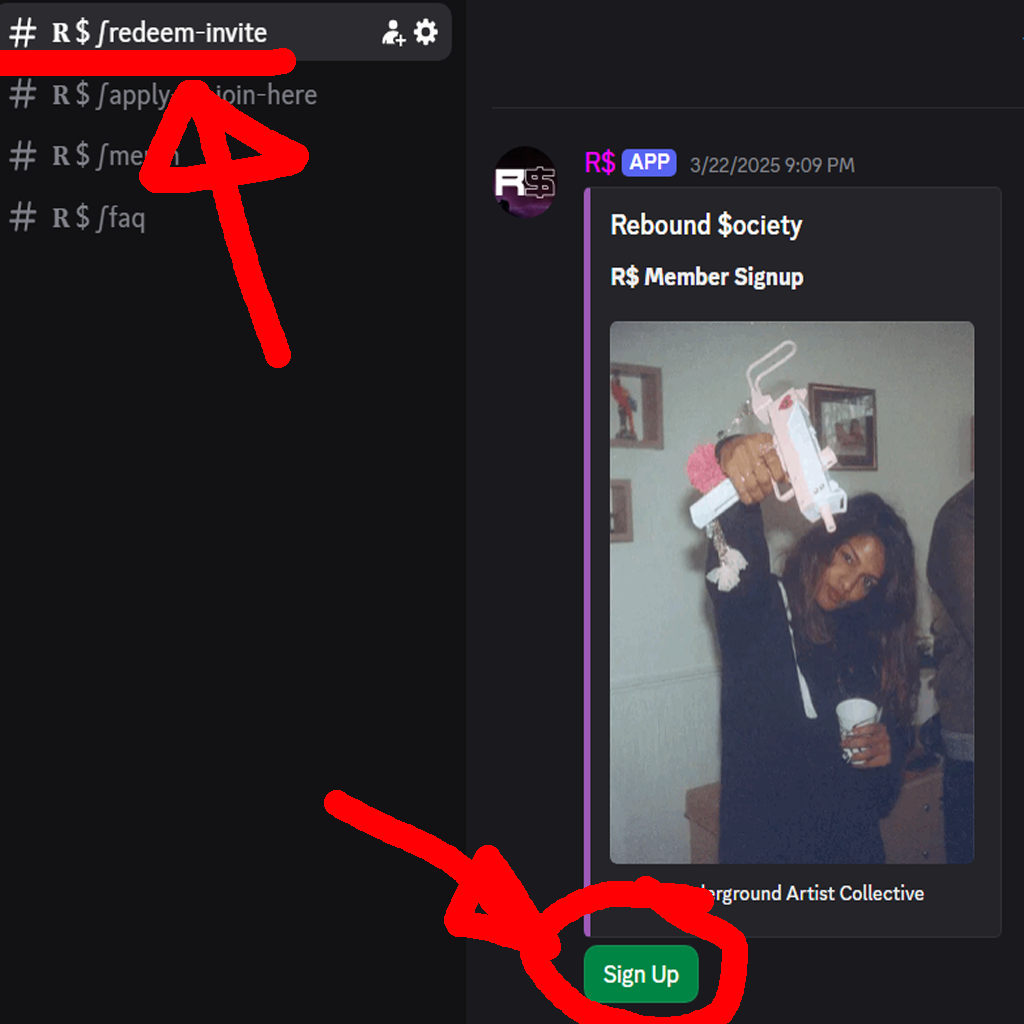
Step 5: Copy the invite code you receive.
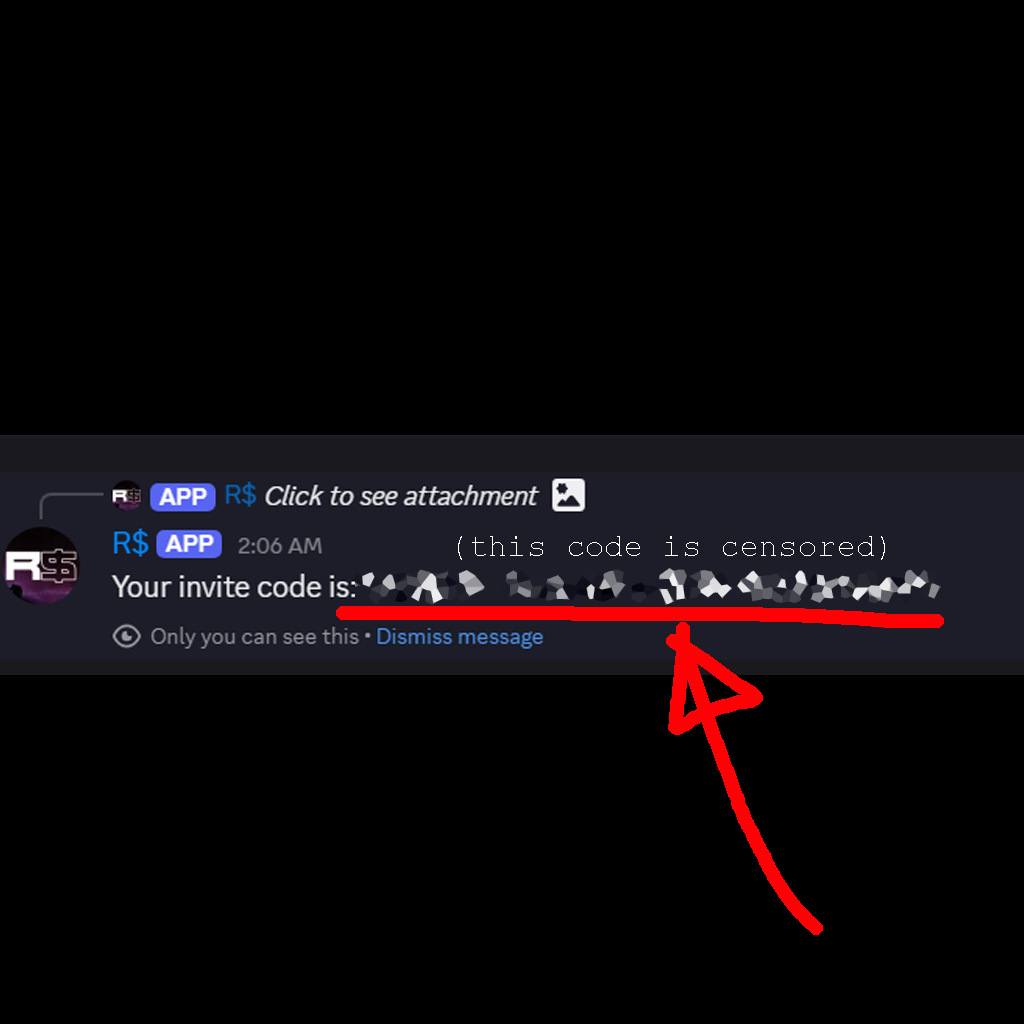
Step 6: Send that code to your friend.
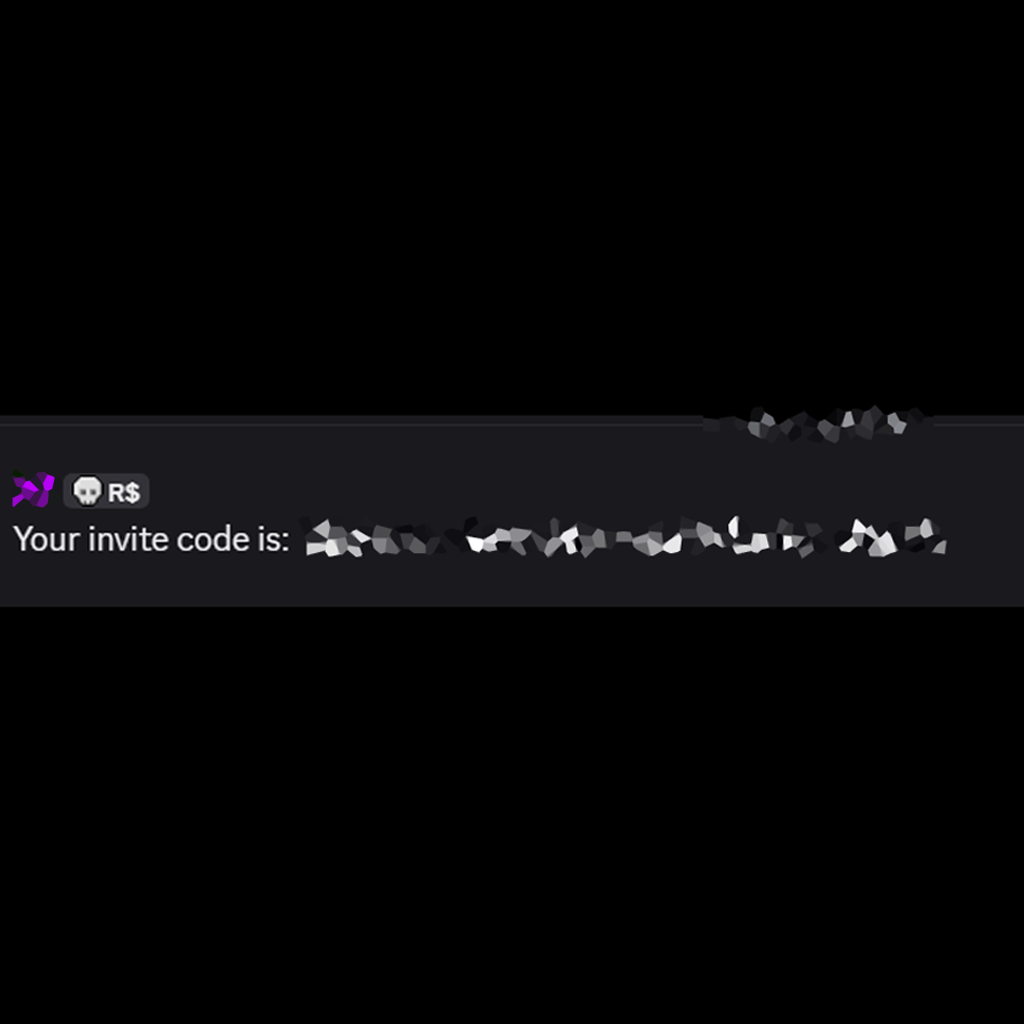
Step 7: Invite your friend to the separate Rebound Society Gateway Discord server (using the gateway link above).
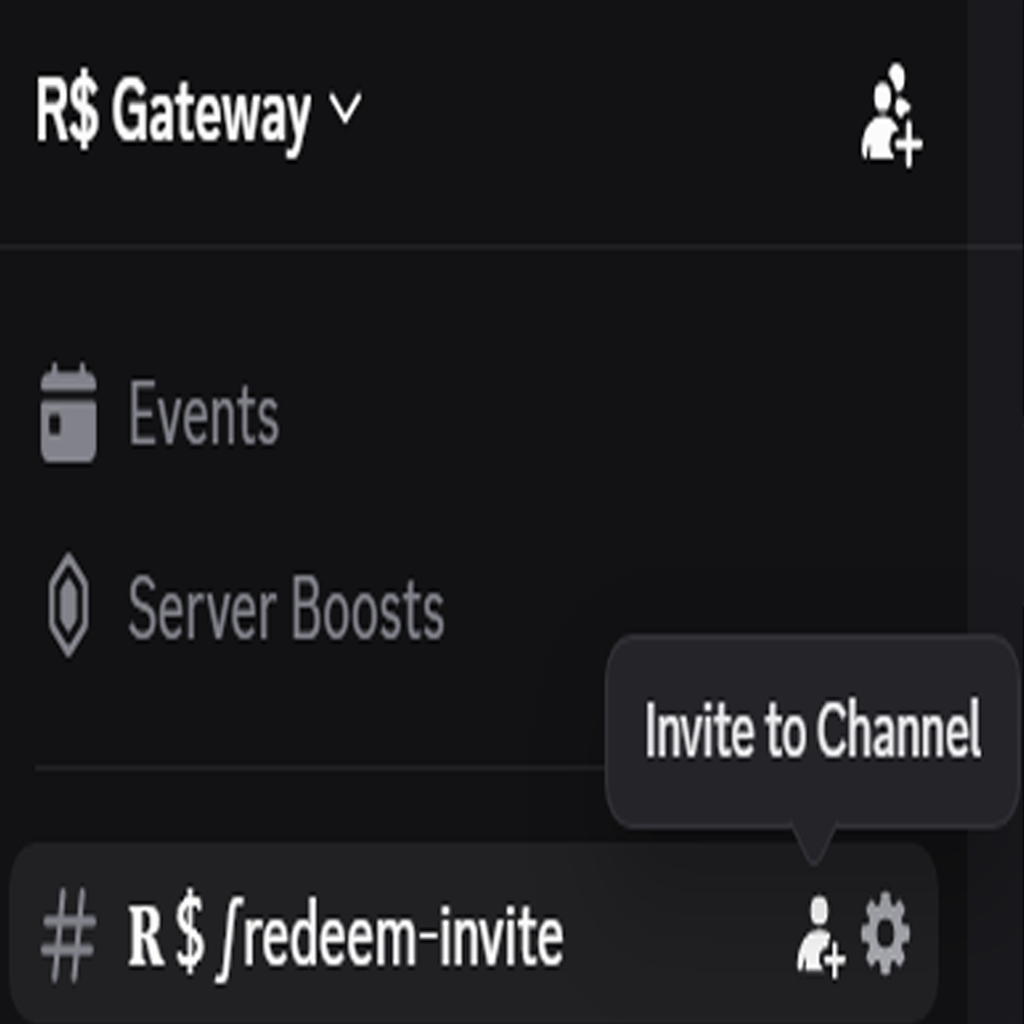
Step 8: Your friend joins the Gateway server, goes to the Redeem Invite channel, clicks Sign Up, and enters the invite code they received.